5 min read
"Sharing Some Software I Often Use"





This article is Lu Canwei's 72nd original piece.
Click the blue 【Lu Canwei】 above to follow; remember to add a ⭐️ star mark~
A couple of days ago, a big shot in goji berries asked me a question about how to categorize tools. I thought about it and realized I haven't organized this area yet.
Instead of categorizing, let me first talk about the tools I use daily.
Writing
First of all, I believe everyone is curious about what tools I use for writing. Initially, I used Evernote for writing, then I started using Bear, and now I use Notion.
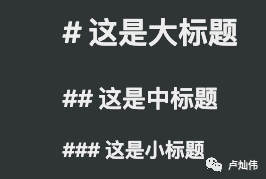
In Notion, everything is a Block, and it supports most Markdown syntax. When I write, I often use 【#】 for my main headings and 【##】 for subheadings, and then I can change the color of the headings.
I can quickly insert a divider by typing three dashes 【-】, and if I want to move an entire paragraph, I just need to select it, and I can move it to the front. If I were using a regular editor like Bear, I would have to cut and copy it to the front.
In the article, I can also use some Markdown list syntax. For example, typing 【-】 followed by a space creates an unordered list. Typing 【1.】 followed by a space creates an ordered list. Additionally, it supports collapsible lists, which can hide content, but I generally don't use this for writing since the platform doesn't support it.
Moreover, Notion allows me to drag and arrange content into multiple columns side by side, just like in the image above.
For instance, if we want to emphasize a short phrase, like a tip, we can use 【/callout】 for paragraph emphasis, or I can use 【/quote】 for citations.
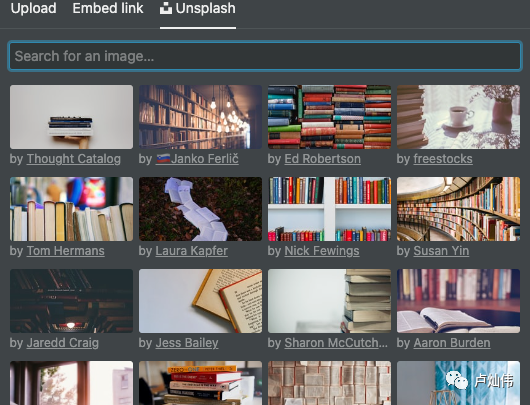
I can also quickly insert videos, images, and other basic functions into the article. For images, I can choose from Unsplash, so I don't have to search for images separately.
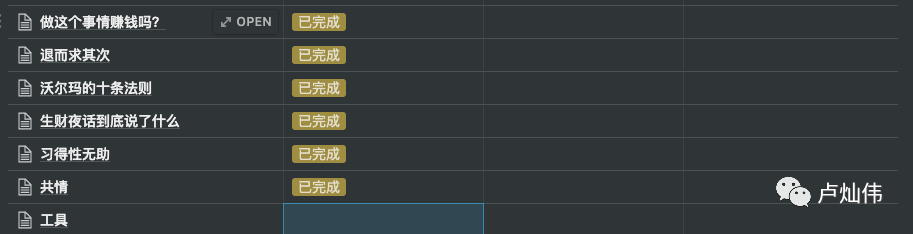
Besides various features in the article, I can also create and manage my tables within it. I can directly import CSV table content or create my own table. For example, I created a simple table that supports most formula calculations at the bottom.
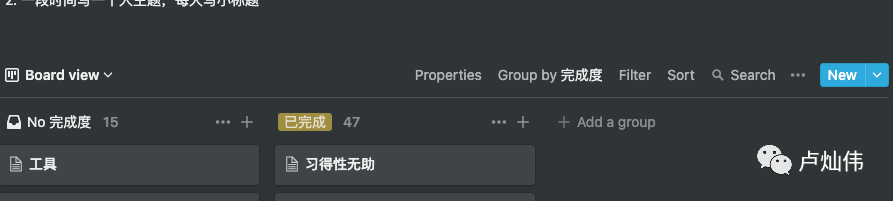
I can manage my articles from different perspectives, such as viewing my article completion status in a Kanban style. It also supports gallery mode, timeline mode, and calendar mode.
Network
First is the network client I use, Surge, which manages both my Mac and iPhone with a single configuration file. This ensures that I won't encounter access issues whether I'm using a browser, command line, or other software.
Cloud Storage
I've used many cloud storage applications, such as Baidu Cloud and JiuGuoYun, but I eventually returned to Dropbox, which currently outperforms all other cloud storage applications.
Pomodoro Timer
For those of us who need to sit and work for long periods, it's essential to have reminders to take breaks, get a drink, or move around to avoid prolonged sitting. However, this can be counterintuitive; sometimes when I'm very focused, I completely ignore it and skip the break. The benefit of this software is that it can provide full-screen reminders, ensuring we don't miss them. Generally, I use it for 55 minutes of work followed by a 5-minute break, and the software I use is JustFocus.
Activity Duration Tracking
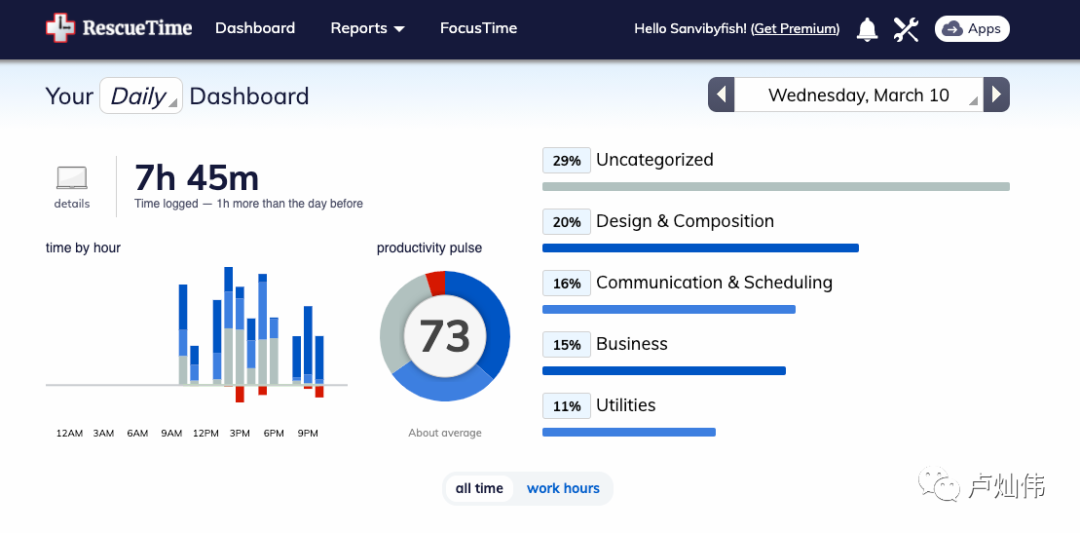
Sometimes we don't know what we've done all day, and at that point, we might need to know which applications we spent most of our time on. Here, I mainly use RescueTime, which runs in the background and records my usage. If I have time, I can check my usage duration on their website.
Article Distribution
Although my primary content is still focused on my public account, I also publish corresponding articles on platforms like Toutiao and Zhihu, which requires distribution software. Thanks to Lao K for the recommendation.
Split-Screen Software
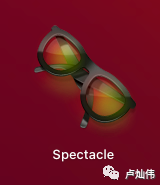
When writing, I often encounter the issue of needing to reference content, which requires constantly switching between web pages for reference or research, making it very inconvenient. Of course, you could use two monitors, but I'm not very accustomed to that, so I use software to place Notion on the left and the browser on the right.
Word Translation
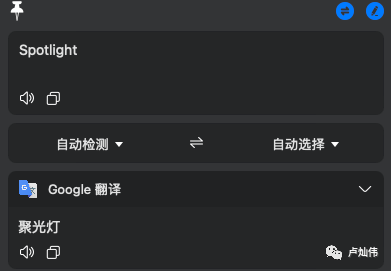
As someone who struggles with English, most of the results from Google searches are primarily in English, so I need translation software. I previously used a screen word extractor, but it wasn't very user-friendly. Later, I found an application that allows me to configure and choose translation sources.
Menu Bar Hiding
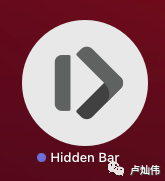
As the number of applications I open increases, sometimes the menu content becomes too cluttered, leading to confusion. At this point, I hide some applications that I have in the background or don't need to display. With a click of an arrow, I can hide the icons of unnecessary software.
Others
Most of the other tools are commonly seen or used, so I won't introduce them separately.
Mind Mapping - XMind
Screen Color Picker - Sip
Project Management - OmniPlan
Remote Assistance - TeamViewer
Online Meetings - Zoom, Tencent Meeting
Network Packet Capture Software - Charles
API Calls - Postman
Prototype Design - Axure, Figma
Asset Management - MoneyWiz
There are no good or bad tools; the key is to find what suits you. However, don't have too many. For example, I'm currently migrating various management tasks to Notion, such as editor, Trello board management, calendar, TODOs, etc.
Regarding asset management, I use MoneyWiz, and if I have time, I will record a session to discuss how to manage personal assets.
If you have any useful tools, feel free to leave a comment.
Recommendations:
The Power of Empathy
How to Better Manage Our Emotions When Facing Long-Term Goals
What Did the Night Talk About Wealth Really Discuss?
Truly Long-Term Effective Strategies, Settling for Second Best
Does This Matter Make Money?
Team Management: Helping Others Grow
How to Turn Fragmented Information into Our Knowledge
Scan the code to follow 【Lu Canwei】, and send "Self-Media Materials" in the background to receive two free benefits:
1. A self-media tool package (worth 1999 yuan)
2. An electronic version of the "2020 Wealth Calendar," containing 365 money-making tips;
👇👇👇 Feel free to click to follow~
Appreciation has been canceled; "Looking" is the strongest support ↘